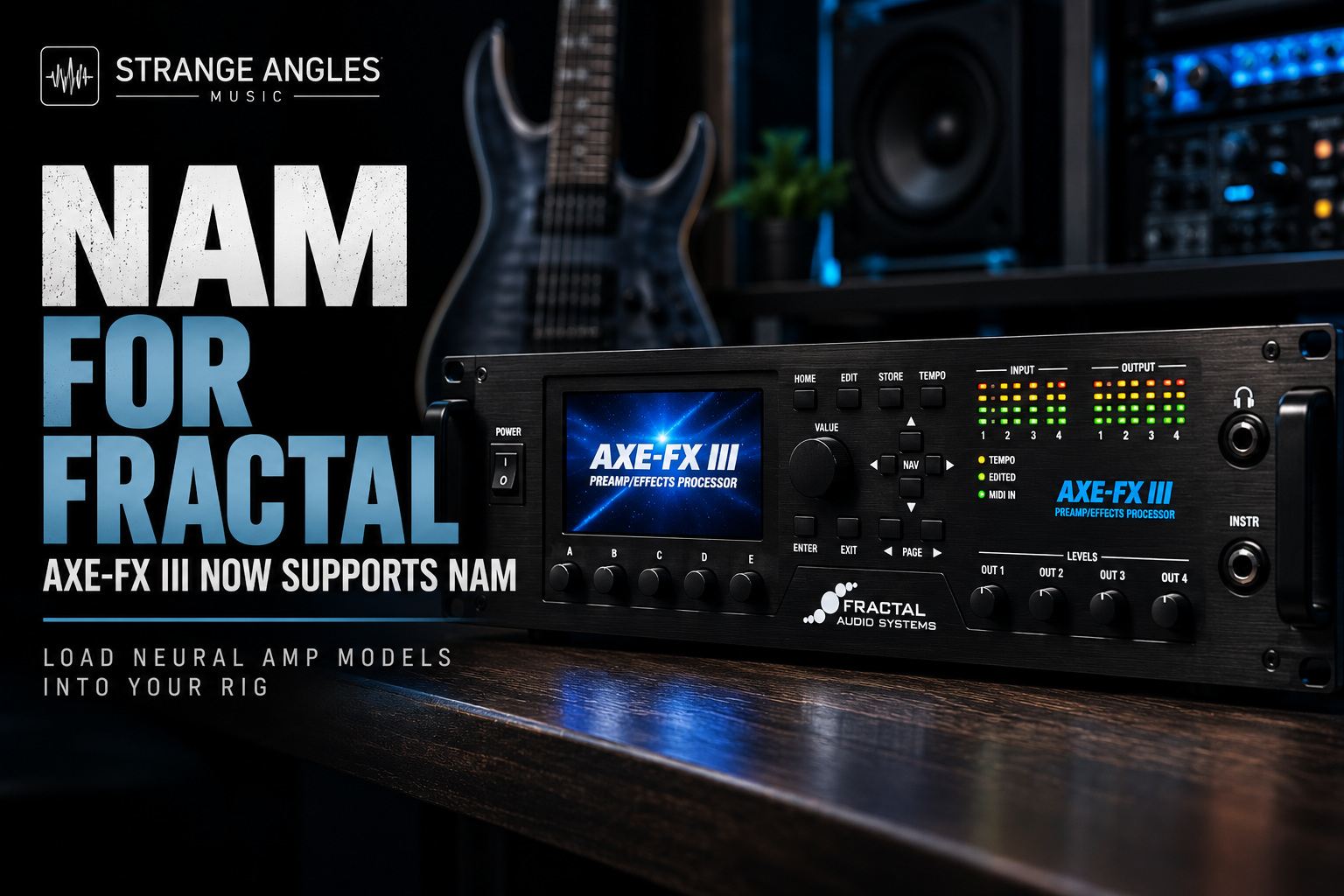
NAM for Fractal Audio: How to Use Neural Amp Models on the Axe-Fx III
Neural Amp Modeler (NAM) has opened up new possibilities for guitar players who want access to a wider range of amplifier tones. With NAM support now available on the Axe-Fx III, Fractal users have another way to explore amp models beyond the traditional amp models built into their hardware.
For modern metal players, this is particularly exciting. You can explore captures based on aggressive high-gain amplifiers, experiment with different tones, and expand your setup with NAM models alongside your existing Fractal presets.
In this guide, we'll explain what NAM is, how it fits into a Fractal Audio workflow, what to look for in NAM models, and how to approach building a great modern metal tone.
Looking for Great Tones?
Explore professionally created NAM profiles and captures featuring modern high-gain amplifiers for metal, low tunings, and recording.
🎸 Browse Premium NAM Profiles →
What Is Neural Amp Modeler (NAM)?
Neural Amp Modeler is an open-source technology that uses machine learning to model the sound and response of guitar amplifiers and other audio equipment.
NAM models are commonly called profiles or captures. Depending on how the model was created, it may represent an amplifier by itself or a broader signal chain.
NAM is popular because it gives guitarists access to models created from a wide range of real-world amplifiers, including boutique and high-gain amps that might otherwise be difficult or expensive to access.
For players who specialize in modern metal, that can mean more opportunities to experiment with tones based on amplifiers such as:
Fortin Evil Pumpkin
Fortin Meshuggah
Omega Obsidian
Omega Granophyre
Driftwood Purple Nightmare
RedSeven Leviathan
MLC Subzero
Randall Satan
These are examples of amplifier families worth exploring when searching for aggressive, modern high-gain tones.
What Does NAM Support Mean for Axe-Fx III Users?
The Axe-Fx III already offers extensive built-in amp modeling, cabinet simulation, effects, and routing. NAM support adds another potential source of amplifier tones to that ecosystem.
Rather than replacing the Fractal amp models, NAM gives users another option for exploring captured amplifier sounds.
This is especially appealing if you already use Fractal presets but want to experiment with particular amplifiers or captures that aren't part of your usual workflow.
Important: NAM support depends on the relevant Fractal firmware and implementation. Check the official release notes and instructions for your exact Axe-Fx III firmware before downloading models or changing your presets. Compatibility, supported model formats, and loading procedures can vary by implementation.
How NAM Works on the Axe-Fx III
Fractal Audio's Firmware 33.00 public beta introduces a dedicated NAM block for playing Neural Amp Modeler files. The feature is documented in the beta release notes shared by the Fractal community. Because this is a public beta, check Fractal's official downloads page for the latest release status before updating.
+1
The NAM block can load models of captured equipment such as:
Guitar amplifiers
Overdrives and fuzz pedals
Preamps
Compressors
D.I. boxes
The implementation includes Full and Lite processing modes. Full uses substantially more processing power than Lite, so the available CPU budget matters when building complex presets.
+1
One important distinction: the Axe-Fx III is playing imported NAM models; this feature does not mean the unit itself captures or trains new NAM models.
Important: Check Your Hardware Version Before Updating
The beta notes include a significant storage warning:
Axe-Fx III Mark I: NAM storage replaces User Cab Bank 2. Back up any IRs in that bank before installing the beta; they may be erased.
Axe-Fx III Mark II: NAM has separate storage, so User Cab Bank 2 is not affected by this particular change.
Because firmware updates can affect existing presets and stored content, back up your unit and read the release notes before installing.
+1
For official downloads and firmware information, visit the Axe-Fx III Downloads page.
What Types of NAM Profiles Should You Use?
The best NAM model depends on the sound you're after and how you plan to build your Fractal preset.
Modern High-Gain NAM Models
If you play modern metal, look for captures with:
Tight palm-mute response
Aggressive midrange
Controlled low end
Clear pick attack
Enough saturation without excessive fizz
These characteristics are especially useful for metalcore, djent, progressive metal, and low-tuned rhythm guitar.
Classic Amp NAM Models
NAM can also be useful for players who prefer classic amp characters, including British-style crunch, hot-rodded Plexi tones, and familiar 5150-style high gain.
These can provide a different response from the Fractal amp models you already use.
D.I. and Full-Rig Considerations
Pay attention to what the original capture contains. An amp-focused capture and a complete amp-and-cabinet signal chain are not interchangeable.
When building your preset, make sure you understand where the cabinet simulation belongs in the chain. Avoid accidentally applying a second cabinet simulation to a capture that already contains the intended cabinet sound.
How to Get the Best Modern Metal Tones With NAM on Fractal
The real advantage is being able to combine NAM's captured amp character with the rest of your Fractal workflow.
Here are a few ways to approach it.
1. Start With a Strong Amp Capture
Choose a NAM model that already has the core tone you want. Don't start with an overly bright or loose capture and expect EQ to fix everything.
For modern metal, focus on tightness, articulation, and a strong midrange.
2. Use the Right Cabinet Setup
Determine whether your chosen NAM model includes cabinet and microphone coloration.
If it is an amp-only capture, a cabinet or IR may be needed. If the captured signal already includes the cabinet sound, adding another cab stage may make the result darker or less natural.
3. Add Your Effects
Use Fractal's effects and routing to complement the NAM model. Depending on your tone, that might mean adding:
An overdrive before the NAM block
Noise gating for tight rhythm playing
EQ for final tone shaping
Delay and reverb for leads
Modulation for clean and ambient sounds
The aim is to keep the signal chain focused rather than adding processing simply because it's available.
4. Compare Full and Lite Processing
If your firmware offers both NAM modes, compare them with the same guitar, input level, and preset settings.
Full mode uses significantly more processing resources, while Lite mode can be useful when CPU efficiency matters. Choose based on the sound and performance of your actual setup rather than assuming one mode is always preferable.
5. Test the Tone in a Mix
A capture that sounds impressive on its own may not be the best option for recording.
Play alongside drums and bass, then listen for:
Low-end buildup
Pick definition
Harsh high frequencies
Note separation
How well the guitar cuts through
For modern metal, a tight, controlled tone often works better than one with maximum gain and bass.
NAM vs. the Built-In Axe-Fx III Amp Models
Feature
Built-In Fractal Amp Models
NAM Block
Tone source
Fractal's modeled amplifiers
Imported NAM models
Tone shaping
Extensive amp parameters
Depends on the capture and available NAM controls
Amp variety
Fractal's built-in amp library
Models available in compatible NAM format
Effects and routing
Fractal effects and routing
Can be incorporated into Fractal signal chains
Best use
Deep editing and building custom rigs
Exploring captured amplifier and equipment tones
Neither option automatically sounds better. The best choice depends on the specific amp model or capture, your playing style, and the sound you're trying to achieve.
The biggest benefit of NAM support is additional choice, not a requirement to abandon Fractal's existing amp models.
Is NAM Support Available on the FM9 and FM3 Too?
Don't assume that support for the Axe-Fx III automatically means support for every Fractal device.
The NAM block discussed here is associated with the Axe-Fx III Firmware 33.00 public beta. Check the relevant firmware and release notes for the FM9 and FM3 separately before assuming the same feature is available on those units.
Owners Manual
+1
Frequently Asked Questions
Can the Axe-Fx III run NAM profiles?
Fractal Audio's Firmware 33.00 public beta introduces a NAM block for loading and playing compatible NAM models. Check the official downloads page to confirm the latest firmware status.
Does NAM replace the built-in Fractal amp models?
No. NAM adds another option for amplifier and equipment sounds. The built-in Fractal models remain available.
Can I use NAM models for modern metal?
Yes. High-gain NAM models can be useful for modern metal, metalcore, djent, and low-tuned guitar, provided you choose suitable captures and configure the cabinet and effects correctly.
Can I capture an amplifier directly on the Axe-Fx III?
The NAM feature described here is a playback system for imported models, not a complete on-device NAM training or capture workflow.
Does every NAM file work?
Don't assume every model will be supported in every implementation. Check the firmware instructions and supported file requirements before importing a model.
Is Full mode better than Lite mode?
Full uses considerably more processing power. Compare both modes with your chosen capture and preset to decide which makes sense for your needs.
Should I use an IR with a NAM model?
That depends on what the model captures. Amp-only models may need a cabinet or IR, while captures that already include cabinet coloration may not need another cabinet stage.
Final Thoughts
NAM support brings another exciting option to the Fractal Audio ecosystem.
For guitarists who already love the Axe-Fx III, it offers a way to explore imported captures alongside the built-in amp models, effects, and routing capabilities.
If you're chasing modern metal tones, start with a high-quality NAM model, pay attention to whether it includes cabinet coloration, and build the rest of your signal chain around the sound you want.
And before installing beta firmware, back up your presets and user cabs and carefully check the instructions for your exact Axe-Fx III hardware version.
Ready to Explore More Guitar Tones?
Discover professionally crafted NAM profiles featuring a range of high-gain amplifiers for modern metal, low tunings, and recording.