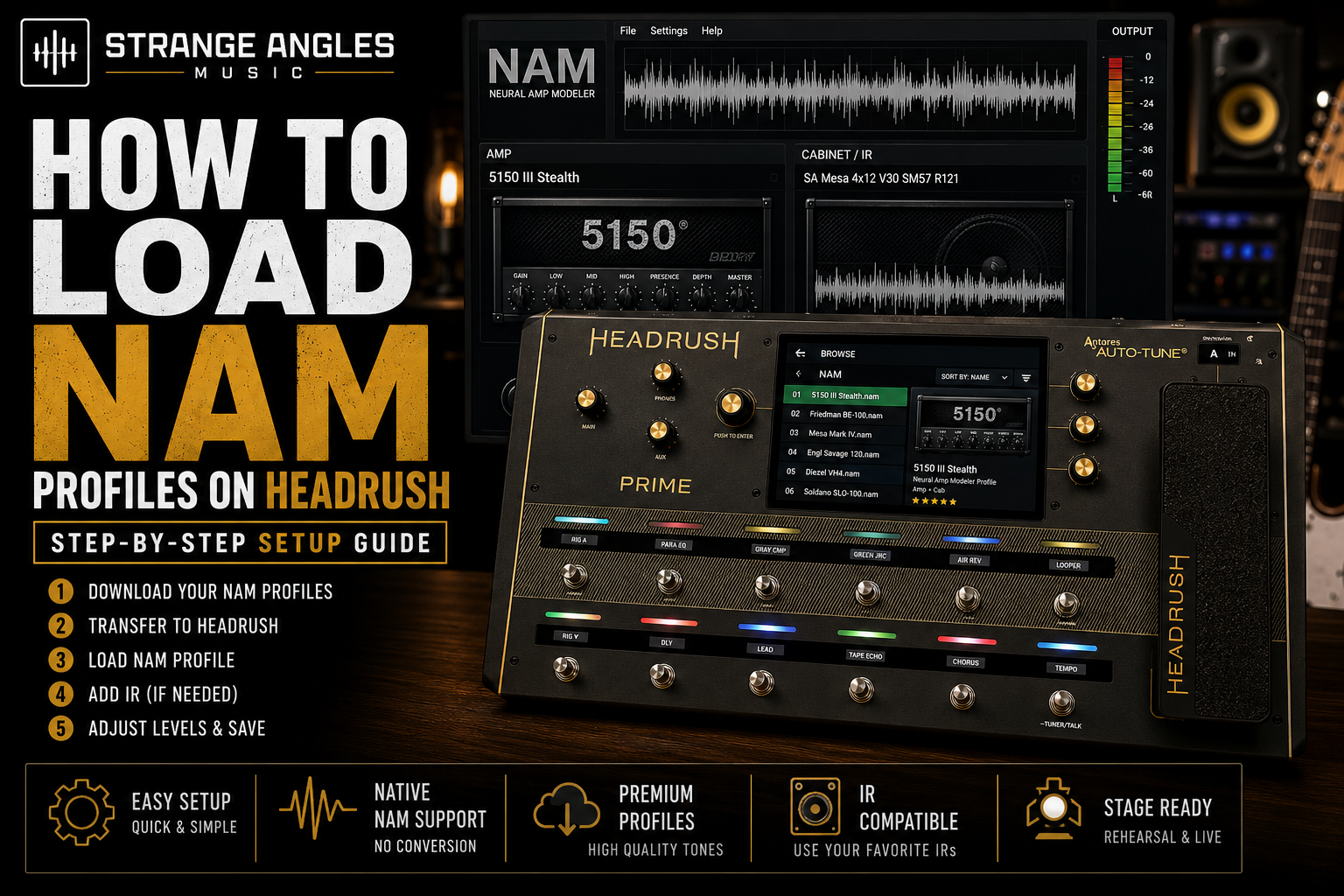
How to Load NAM Profiles on HeadRush
One of the biggest additions to the HeadRush ecosystem is native support for Neural Amp Modeler (NAM). With compatible firmware and hardware, you can now load incredibly realistic amp captures directly onto your HeadRush device and enjoy studio-quality guitar tones on stage or in the studio.
If you're new to NAM or HeadRush, this guide will walk you through the process of loading NAM profiles, organizing your captures, and getting the best possible sound.
Looking for Great Tones?
Skip the endless searching and start playing. Explore professionally crafted NAM Profiles designed to deliver authentic, mix-ready guitar tones for HeadRush, recording, and live performance.
What You'll Need
Before you begin, make sure you have:
A compatible HeadRush device
The latest HeadRush firmware installed
NAM profile files compatible with your device
A USB connection or Wi-Fi (depending on your workflow)
Optional impulse responses (IRs) if your NAM profile doesn't include a speaker cabinet
Compatible HeadRush Devices
Native NAM support is available on:
HeadRush Prime
HeadRush Core
HeadRush Flex Prime
Older HeadRush units like the MX5, Gigboard, and original Pedalboard do not officially support native NAM profiles.
Step 1: Download Your NAM Profiles
Start by downloading your NAM captures from a trusted source.
Professional captures generally offer:
Better gain staging
Lower noise
More consistent levels
Higher-quality captures
Better documentation
Organize your downloads into folders before transferring them to your HeadRush.
Step 2: Transfer Profiles to Your HeadRush
Depending on your setup, you can transfer profiles by:
USB connection
Built-in Wi-Fi (where supported)
Cloud integration
HeadRush management software
After transferring, allow your HeadRush to finish indexing the new files before disconnecting.
Step 3: Load a NAM Profile
Once your profiles are available on the device:
Create a new rig or open an existing one.
Add a new amplifier block.
Choose the NAM amp type.
Browse your installed NAM profiles.
Select the profile you want to use.
Your HeadRush will load the profile into the signal chain.
Step 4: Add an IR (If Needed)
Some NAM captures include a speaker cabinet.
Others capture only the amplifier.
If your profile requires an IR:
Add an IR block after the NAM profile.
Choose an impulse response that complements the amplifier.
Experiment with different speakers before changing EQ.
Popular choices include:
Celestion Vintage 30
Celestion Greenback
Eminence DV-77
Celestion Creamback
Step 5: Adjust Input and Output Levels
Before making EQ changes:
Check your input level.
Avoid clipping.
Match preset output volume.
Leave enough headroom for live performance.
Correct gain staging often makes a bigger difference than EQ.
Step 6: Save Your Rig
Once you're happy with your tone:
Name the preset clearly.
Organize rigs by genre or amplifier.
Save backup copies.
Good organization makes it much easier to find the right sound during rehearsals and live performances.
Tips for Better Results
To get the most from your NAM profiles:
Use quality IRs when required.
Avoid excessive gain.
Test at rehearsal volume.
Compare profiles at equal loudness.
Build separate live and studio presets.
Small adjustments often produce the biggest improvements.
Common Problems
My profile sounds thin.
Try a different IR before changing EQ.
My profile sounds muddy.
Reduce bass, lower the gain slightly, and experiment with another cabinet.
My preset is noisy.
Check your input gain, cables, pickups, and noise gate settings.
My profile doesn't sound like the demo.
Your guitar, pickups, monitoring system, and IR all affect the final sound.
Frequently Asked Questions
Can I load any NAM profile?
Only profiles compatible with your HeadRush firmware and supported NAM format can be loaded.
Do I always need an IR?
No. Some NAM captures already include the cabinet. Others require a separate impulse response.
Can I organize my profiles?
Yes. Keeping your NAM profiles organized by amp type, genre, or gain level makes them much easier to manage.
Are premium NAM profiles worth it?
Professionally captured profiles often require less tweaking, have more consistent levels, and deliver better results for recording and live performance.
Final Thoughts
Loading NAM profiles onto a compatible HeadRush device is a simple process that opens the door to an incredible library of realistic amp tones. With the right profiles, quality IRs, and a well-organized workflow, you can build rigs that are ready for recording, rehearsals, and live shows with minimal tweaking.
The best results come from starting with great captures, making small adjustments, and spending more time playing than editing.
Ready to Upgrade Your Tone?
Explore professionally crafted NAM Profiles designed to deliver authentic, stage-ready and studio-quality guitar tones for compatible HeadRush devices.