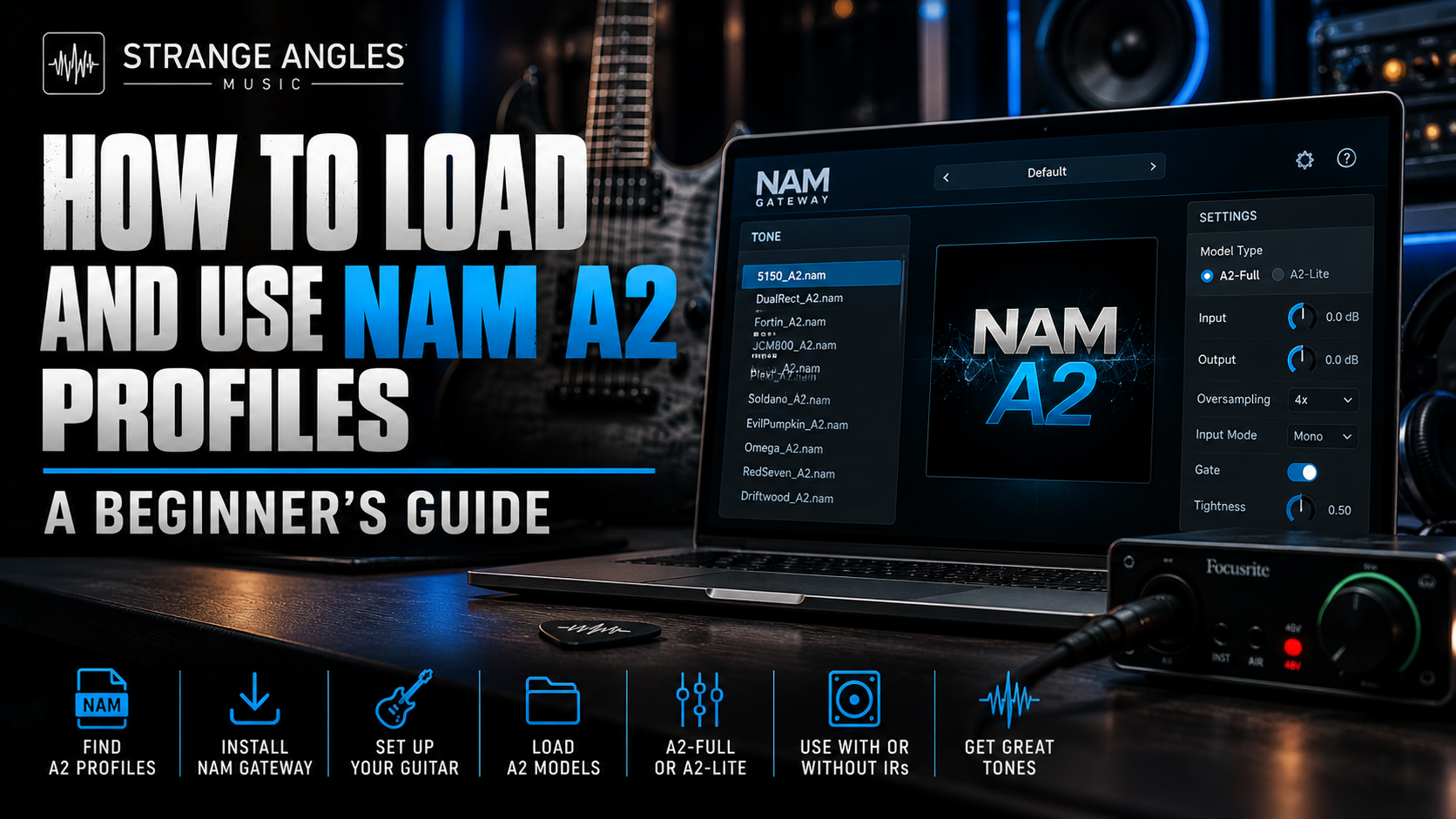
How to Load and Use NAM A2 Profiles: A Beginner's Guide
Neural Amp Modeler Architecture 2 (NAM A2) gives guitarists access to detailed digital captures of real amplifiers, pedals, and other audio equipment. But if you're new to NAM, you might be wondering where to find A2 profiles, how to load them, and what you need to start playing.
The good news is that you can get started with a computer and the free TONE3000 plugin. You don't need to own an expensive modeler to experiment with NAM A2.
In this guide, we'll walk through the basics of finding compatible NAM A2 profiles, loading them into the plugin, choosing between A2-Full and A2-Lite, and getting the best possible tone for recording or practicing.
Looking for Great Tones?
Spend less time tweaking and more time playing. Explore professionally crafted NAM profiles and amp captures featuring high-gain amplifiers for modern metal, recording, and more.
🎸 Browse Premium NAM Profiles →
What Do You Need to Use NAM A2?
Before loading your first profile, you'll need a few things:
A Mac or Windows computer that meets the requirements of your chosen software
The free TONE3000 plugin or another player that explicitly supports NAM A2
A compatible audio interface for connecting your guitar
A guitar and instrument cable
Headphones, studio monitors, or another suitable monitoring setup
A compatible NAM A2 model
You can start by visiting the official TONE3000 website to explore available tones and find the plugin.
Important: Not every NAM-compatible application or hardware device supports A2. The original NAM architecture is commonly called A1, and A2 requires a compatible implementation. Check your player's documentation before downloading models.
Step 1: Find a NAM A2 Profile
NAM profiles model the sound and response of real equipment. Depending on the capture, a profile might represent an amplifier, a pedal, a preamp, or a more complete signal chain.
You can browse models on TONE3000, where creators share captures of their equipment.
When choosing a model, pay attention to the following:
Architecture: Look for A2 compatibility if you're using an A2-only player.
Amp type: Choose an amplifier that suits your preferred style.
Gain level: A clean capture and a high-gain capture serve different purposes.
Capture type: Determine whether the model represents an amp alone or includes more of the signal chain.
Available models: Some equipment has multiple captures at different settings.
For modern metal, you might look for high-gain captures inspired by 5150-style amplifiers, British high-gain amps, or boutique amplifiers designed for aggressive rhythm tones.
If you already know the kind of amp sound you want, searching by amplifier name or musical style can help narrow down the choices.
Step 2: Install the TONE3000 Plugin
The official TONE3000 plugin supports NAM A2 and provides a way to play compatible models directly on your computer.
Visit the official TONE3000 website to find the plugin and its installation instructions.
After installing it, open the plugin in a supported host. Depending on your workflow, that could be a digital audio workstation (DAW) or a supported standalone application.
Follow the current installation instructions for your operating system and plugin format.
Step 3: Connect Your Guitar and Audio Interface
Connect your guitar to the instrument input of your audio interface.
Next, configure your audio software to use the interface as its input and output device.
For a basic setup:
Connect your guitar to the interface's instrument input.
Connect headphones or monitors to the appropriate output.
Open your audio software.
Select your interface as the input and output device.
Create an audio track and insert the TONE3000 plugin.
Enable input monitoring so you can hear your guitar through the plugin.
Use an appropriate instrument input and keep your input level from clipping. If your interface has an instrument or Hi-Z setting, use it when appropriate for your guitar.
If you hear no sound, check the track's input selection, monitoring setting, interface routing, and plugin output.
Step 4: Load a NAM A2 Model
Once the plugin is running, you can add a compatible tone.
In the TONE3000 plugin, use an available Add Tone slot to select a model. The exact controls may vary with software versions, so consult the current TONE3000 Plugin Guide if your interface looks different.
Choose a capture, load it, and play your guitar.
If the model doesn't appear or won't load, check that the file and architecture are supported by your player. An A1-only player will not necessarily load an A2 model.
Step 5: Choose Between A2-Full and A2-Lite
One of the useful features of NAM A2 is that compatible software can offer two processing sizes for the same model.
A2-Full
A2-Full is designed for maximum accuracy and is suited to systems with enough processing power available.
Try it when you're fine-tuning your tone, recording, or comparing the most detailed version of a capture.
A2-Lite
A2-Lite uses fewer processing resources and is designed for situations where CPU efficiency matters, including resource-constrained hardware.
It can be useful when running multiple models or plugins, or when your computer has limited processing headroom.
The official TONE3000 plugin supports both sizes. Depending on the plugin settings, you can select a default size for newly added models or adjust the size of individual blocks.
Neither option should be treated as universally best for every situation. Try both with the same model and choose the one that gives you the sound and performance you need.
For more details, see the official TONE3000 Plugin Guide.
Step 6: Check Whether You Need a Cabinet IR
This is an important step because not every capture contains the same parts of a guitar rig.
An amp-only capture generally needs a suitable cabinet IR or another cabinet-simulation stage. A full-rig capture may already include cabinet and microphone coloration.
If you apply an additional cabinet IR to a capture that already contains the cabinet sound, the result may become darker, more colored, or less natural than intended.
Check the description of the capture before deciding how to configure your signal chain.
If you need a cabinet IR, you can explore the Strange Angles Music shop for compatible IR products and check the individual product details for supported formats.
Step 7: Dial In Your Tone
After loading a model, start with the sound it provides before making large adjustments.
For a modern metal tone, focus on:
Tight palm mutes
Clear pick attack
Controlled low frequencies
Strong midrange definition
High frequencies that aren't excessively harsh
Enough gain for sustain without losing note separation
If the tone sounds muddy, try checking the cabinet IR and reducing unnecessary low frequencies.
If it sounds fizzy, compare another capture or cabinet IR before making extreme EQ changes.
If the tone feels too compressed, experiment with a lower-gain capture or adjust your input level.
Remember that the guitar, pickups, tuning, and playing technique all influence the final sound. A capture that works well for one player may need different settings for another.
Can You Use NAM A2 Profiles Without a DAW?
Yes, provided you have software or hardware that supports NAM A2 in a standalone workflow.
The official TONE3000 plugin and compatible hardware implementations offer ways to play NAM models without requiring you to build an entire recording session in a DAW. The exact setup depends on the application or device.
If you intend to use NAM A2 on a hardware modeler, verify the exact device and firmware compatibility. Support for the original NAM architecture does not automatically guarantee A2 support.
Can You Use NAM A2 on Your Existing Modeler?
Compatibility depends on the specific product.
Some manufacturers are integrating A2 directly into their hardware or software, while other products may support only the original NAM architecture or use different capture formats.
Before purchasing or downloading profiles for a particular device:
Check the manufacturer's latest firmware or software documentation.
Confirm whether it supports A2 specifically.
Check which file formats it accepts.
Verify whether it supports A2-Full, A2-Lite, or both.
Follow the manufacturer's instructions for importing models.
Don't assume that a file can be loaded directly into every device just because the product supports some form of amp capture technology.
Where Can You Find NAM Profiles for Modern Metal?
If you're looking for aggressive high-gain tones, start with captures that suit the style of music you play.
For modern metal, useful starting points include:
5150-style high-gain amps
British-style high-gain amplifiers
Boutique amps designed for tight, aggressive rhythm tones
Captures with different gain settings or overdrive combinations
Strange Angles Music offers NAM packs featuring high-gain amplifier captures and tones for heavy music. Explore the individual product descriptions to check the contents, included formats, and compatibility information.
Browse NAM Profiles and Captures at Strange Angles Music →
Frequently Asked Questions
Is NAM A2 free?
NAM is an open-source technology, and the official TONE3000 plugin is available free of charge. Individual products and third-party services may have their own pricing or requirements.
Do I need special hardware to use NAM A2?
No. You can start with a compatible computer, audio interface, guitar, and A2-compatible software. Hardware with native A2 support is another option.
Will every NAM profile work with the TONE3000 plugin?
The plugin supports NAM A2 models. Check the model's architecture and the current plugin documentation if you have a legacy A1 file or another model format.
What is the difference between A2-Full and A2-Lite?
A2-Full is designed for maximum accuracy, while A2-Lite uses fewer processing resources. The same A2 model can support both sizes in compatible software.
Do I need an IR with every NAM A2 model?
No. It depends on what the capture includes. Amp-only models generally need cabinet simulation, while full-rig captures may already include cabinet and microphone coloration.
Can I use NAM A2 for recording?
Yes. A compatible plugin can be used in a supported DAW, allowing you to record guitar through NAM models as part of your session.
Can I use NAM A2 for live performance?
Yes, if your software or hardware setup supports A2 and meets your performance requirements. Verify compatibility, processing capacity, and routing before relying on it for a live show.
Why won't my NAM A2 model load?
Common causes include an incompatible architecture, an unsupported file format, an outdated player, or an incorrect import procedure. Check the documentation for the software or device you're using.
Final Thoughts
Getting started with NAM A2 doesn't have to be complicated. Find a compatible model, install an A2-supported player, connect your guitar, and begin experimenting with different captures.
Start with a tone that suits your playing style, check whether you need a cabinet IR, and compare A2-Full and A2-Lite if your software supports both.
Once you find a capture you like, save your settings and build from there. A good starting tone can save you hours of unnecessary tweaking.
Ready to Find Your Next Guitar Tone?
Explore professionally crafted NAM profiles and captures from Strange Angles Music, featuring high-gain tones for modern metal, recording, and more.
🎸 Browse Premium NAM Profiles →