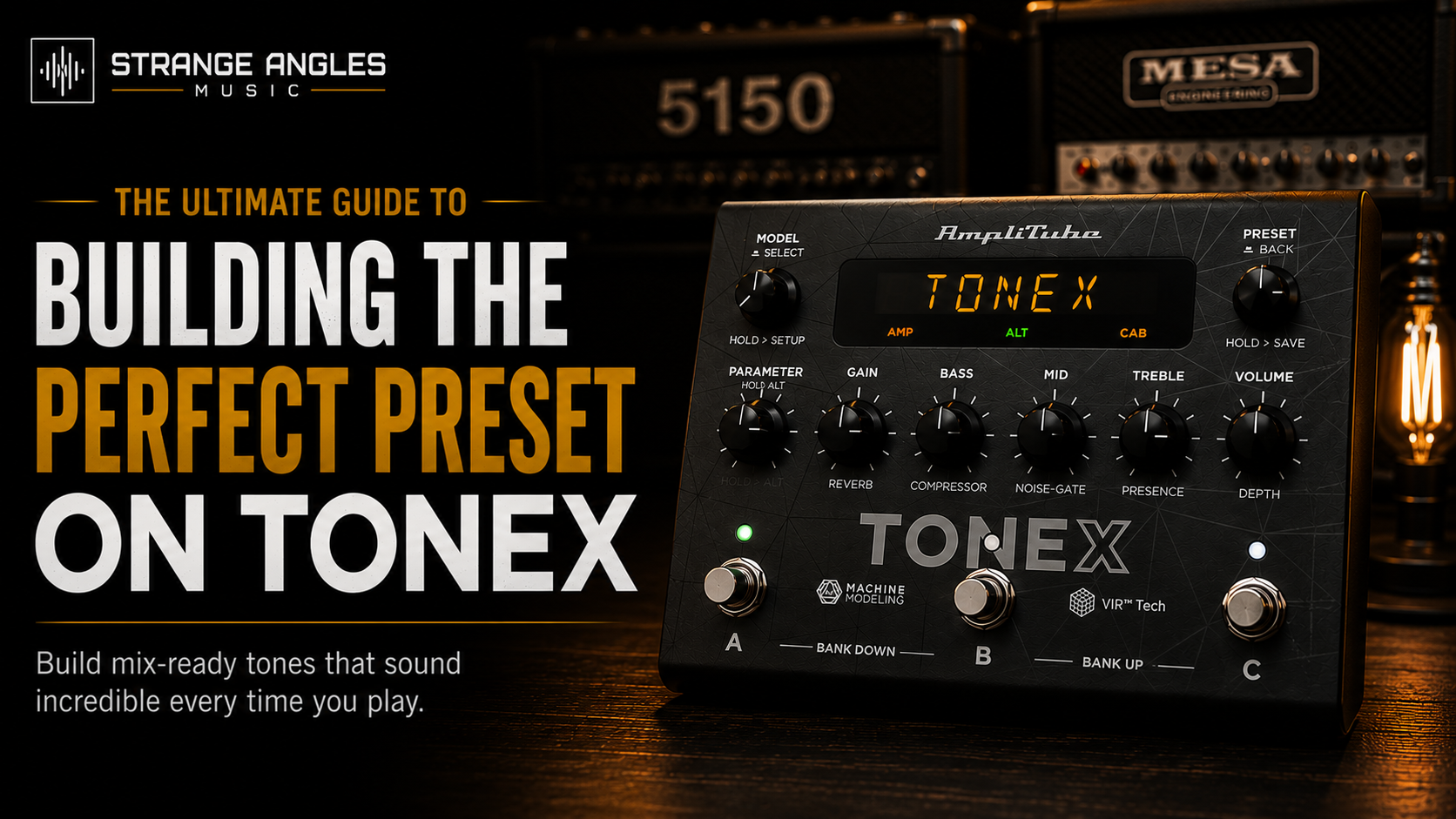
Building the Perfect Preset on TONEX
A great Tone Model is only the beginning. The difference between a good guitar sound and a professional, mix-ready tone often comes down to how you build your preset.
Whether you're recording, rehearsing, or playing live, a well-built preset should feel responsive, cut through the mix, and require very little adjustment once it's dialed in.
In this guide, you'll learn how to build the perfect TONEX preset from the ground up.
Looking for Great Tones?
Spend less time tweaking and more time playing. Explore professionally crafted TONEX Tone Models designed to deliver authentic, mix-ready guitar tones for recording and live performance.
Step 1: Start With the Right Tone Model
Everything begins with a quality Tone Model.
Trying to fix a poor capture with EQ and effects usually leads to frustration.
Choose a Tone Model that already gets you 90% of the way there before making any adjustments.
Look for:
Natural dynamics
Low noise
Good note separation
Tight low end
Realistic amp feel
Step 2: Choose the Right Cabinet
The cabinet is just as important as the amplifier.
Different speakers completely change the character of your tone.
Some popular choices include:
Celestion Vintage 30
Celestion Greenback
Celestion G12T-75
Eminence DV-77
Experiment with different cabinets before touching your EQ.
Step 3: Dial in Your Gain
One of the biggest mistakes guitar players make is using too much gain.
Instead:
Use only as much gain as needed.
Let your picking dynamics come through.
Increase gain only if the tone feels too dry.
Less gain usually results in tighter rhythms and better note definition.
Step 4: Build a Simple Signal Chain
A clean preset is often the best preset.
A proven starting point looks like this:
Noise Gate → Tone Model → Cabinet → EQ → Delay → Reverb
Avoid adding unnecessary effects simply because they're available.
Every block should have a purpose.
Step 5: Set Your Noise Gate
Your noise gate should remove unwanted hiss without affecting sustain.
Too much gating can make your guitar feel lifeless.
Adjust it gradually until the background noise disappears while your playing remains natural.
Step 6: Fine-Tune the EQ
Think of EQ as polishing an already great tone.
Rather than making drastic changes:
Reduce harsh frequencies
Tighten excessive bass
Add mids if the guitar gets lost in the mix
Leave enough high end for clarity
Small adjustments usually produce the best results.
Step 7: Add Effects Sparingly
Delay and reverb can make a preset feel larger and more expressive.
However, too much ambience often buries your guitar.
For high-gain rhythm presets:
Keep reverb subtle.
Use delay primarily for leads.
Let the amp tone remain the focus.
Step 8: Match Preset Volumes
One of the easiest mistakes to overlook is inconsistent output volume.
When switching between presets:
Match perceived loudness.
Avoid clipping.
Leave enough headroom for live performance.
Balanced preset levels create a much smoother playing experience.
Step 9: Test at Performance Volume
A preset that sounds great at bedroom volume may sound very different when played loudly.
Whenever possible:
Test through studio monitors.
Test through an FRFR speaker.
Rehearse with your band.
Listen within a full mix.
This is where you'll discover if your preset truly translates.
Step 10: Save Multiple Versions
Don't overwrite your favorite presets.
Instead, create versions such as:
Rhythm
Lead
Recording
Live
Drop Tuning
Small variations give you flexibility without starting over each time.
Common Mistakes
Avoid these common preset-building mistakes:
Using too much gain
Excessive EQ boosts
Too many effects
Ignoring cabinet choice
Poor volume matching
Constantly tweaking instead of playing
Frequently Asked Questions
How many effects should I use?
Only use effects that improve your tone. Many excellent presets contain just a few carefully chosen blocks.
Should I build separate live and recording presets?
Yes. Live and studio environments often require different EQ and output levels.
Why does my preset sound different through headphones?
Different monitoring systems reproduce frequencies differently. Always test your presets through multiple playback systems whenever possible.
Can I use the same preset for every guitar?
You can, but guitars with different pickups and output levels may benefit from small adjustments to gain, EQ, or noise gate settings.
Final Thoughts
Building the perfect TONEX preset isn't about using every available effect—it's about creating a signal chain that serves your playing.
Start with a great Tone Model, pair it with the right cabinet, keep your signal chain simple, and make small, intentional adjustments. Once your preset sounds great, stop tweaking and spend more time playing.
Ready to Upgrade Your Tone?
Explore professionally crafted TONEX Tone Models designed to deliver authentic amp tones with minimal tweaking.